

With the latest live update for Prokon, users with access to SUMO will discover an exciting addition to the Design Links workspace—the integration of the IDEA StatiCa design link. This enhancement brings together the best of two powerful platforms, combining SUMO’s intuitive user experience with the advanced analysis capabilities of IDEA StatiCa. The result is a seamless workflow that elevates the design and analysis of steel structures, offering unparalleled flexibility in handling even the most complex steel connections and members, including those subject to torsion.
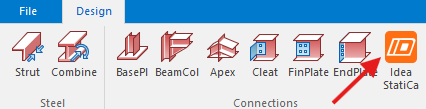
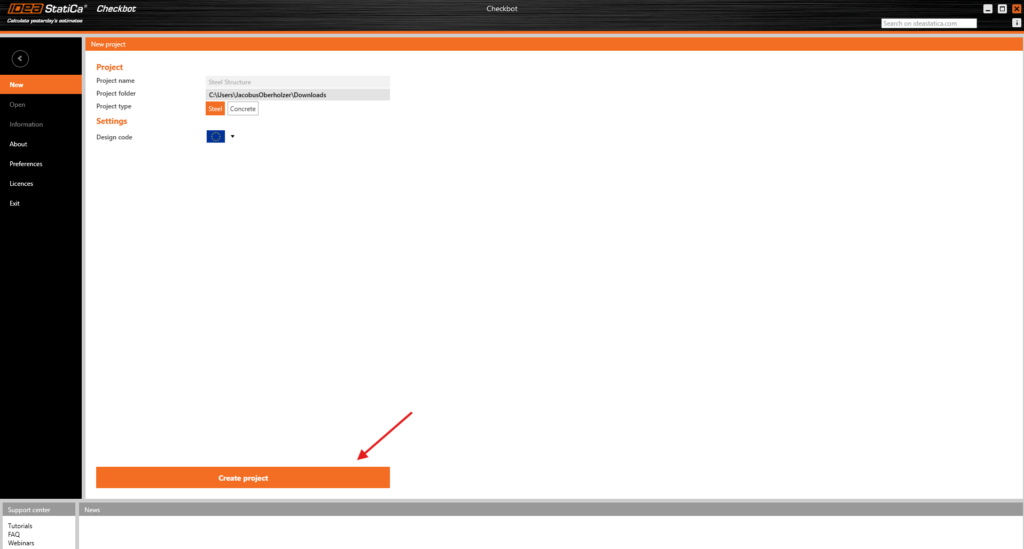
Once an analysis has been successfully completed, navigating to the Design Links workspace allows users to select the entire structure and activate the IDEA StatiCa design link. This initiates Checkbot, the data handler responsible for exporting connections. Checkbot automatically identifies connections and transfers them to IDEA StatiCa Steel Connection for further processing. Upon launching Checkbot for the first time, users are prompted to define the Project type and Design code before creating a new project.

Initially, the model may not immediately appear in Checkbot, but by ensuring nothing is deselected in SUMO and clicking the Connections button in the Import panel of the Design tab, the necessary geometry, connection locations, and load effects are imported. Some minor adjustments, such as mapping specific members, may be required, but once the import is complete, the structural model becomes fully visible.


From this point, connections are represented as small red boxes, which can be selected and designed within the IDEA StatiCa Steel Connection environment. This integration streamlines the entire process, making it easier than ever to conduct in-depth analyses and ensure the optimal performance of steel structures.
